How Stitch AI Is Changing UI/UX Design — When AI Creates Production-Ready UI From a Single Prompt
Google launched Stitch AI with Vibe Design and Voice Canvas — a free tool that generates production-ready UI from text prompts. Here's what it means for UX designers.
Last week, Google Labs dropped a major update to Stitch AI — a tool that generates production-ready UI from a single text prompt. The new features, Vibe Design and Voice Canvas, were significant enough to send Figma's stock tumbling over 12% in just two days.
As a UX designer with 15+ years of experience, I've seen technologies come and go. But this time feels genuinely different.
What Is Stitch AI?
Stitch is a UI design tool from Google Labs, powered by Gemini 2.5. It's free at stitch.withgoogle.com and can:
- Type a prompt → get a finished UI — "Create a fitness tracking app with dark theme, dashboard, and social feed" produces complete screens
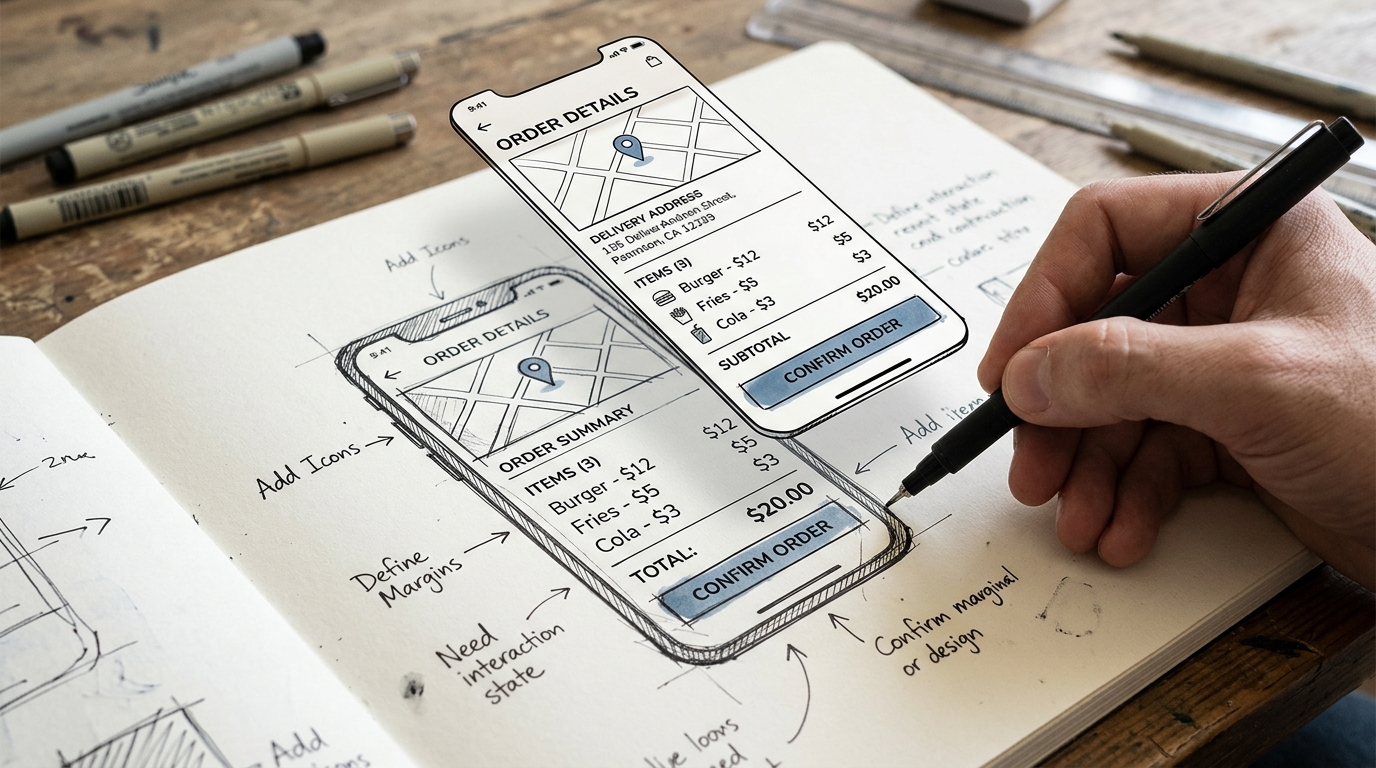
- Upload sketches or wireframes → Stitch transforms them into high-fidelity designs instantly
- Export to HTML/CSS or paste directly into Figma
- Create interactive prototypes by connecting screens and pressing Play
All of this... for free. No credit card required.
Vibe Design — Design by Feeling, Not Wireframes
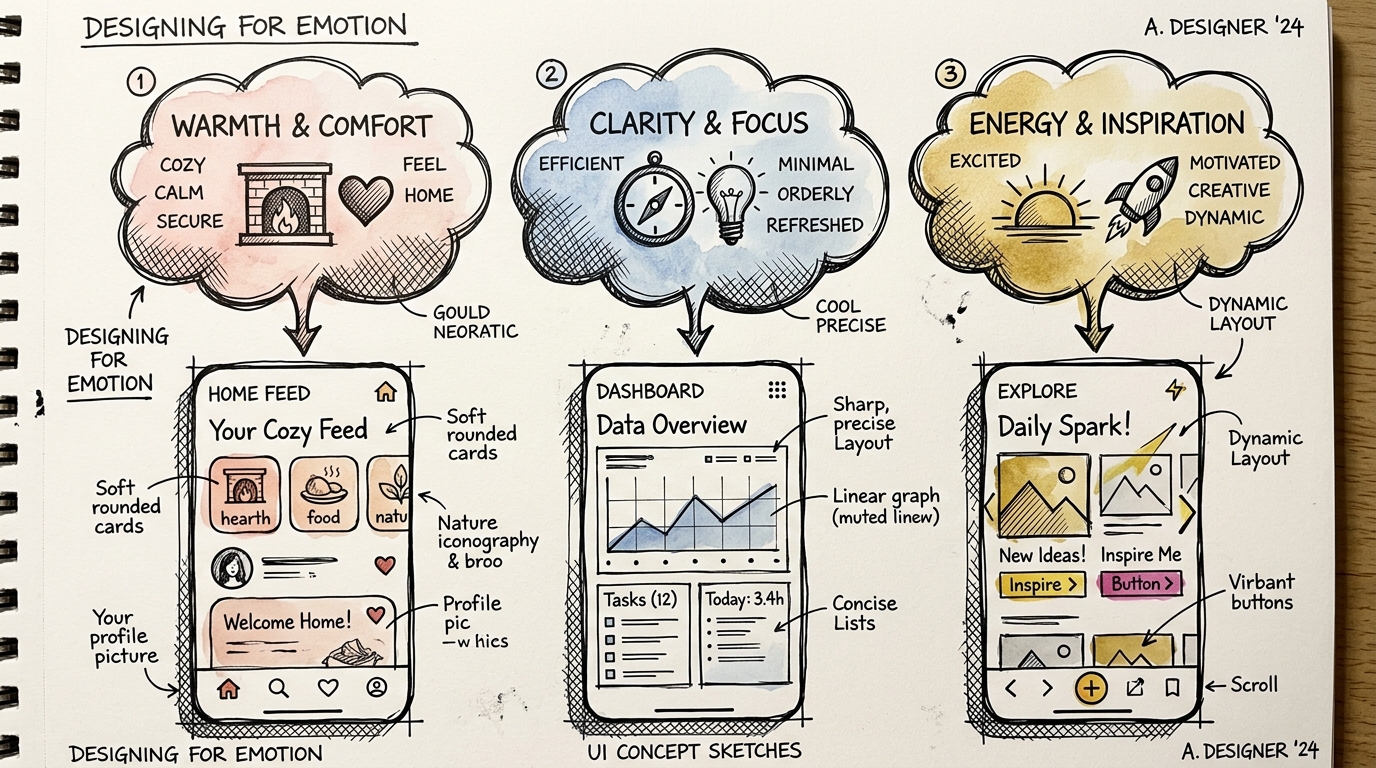
This is the feature that excites me most. Instead of specifying "button here, this color, this size," you simply say:
"Design it to feel premium and sleek like Stripe"
"Make it fun and colorful for Gen Z"
Stitch understands the mood & tone and creates UI that matches that feeling — not just layout, but color palette, typography, spacing, and visual style as a complete package.
Why Does This Matter?
Because in reality, clients and stakeholders communicate through feelings, not specs:
- "I want it to look more modern"
- "It doesn't feel professional enough"
- "Can you make it cleaner?"
Vibe Design dramatically narrows the gap between what clients "feel" and what designers "produce."
Voice Canvas — Speak and Watch AI Design in Real-Time
Imagine looking at your design canvas and saying:
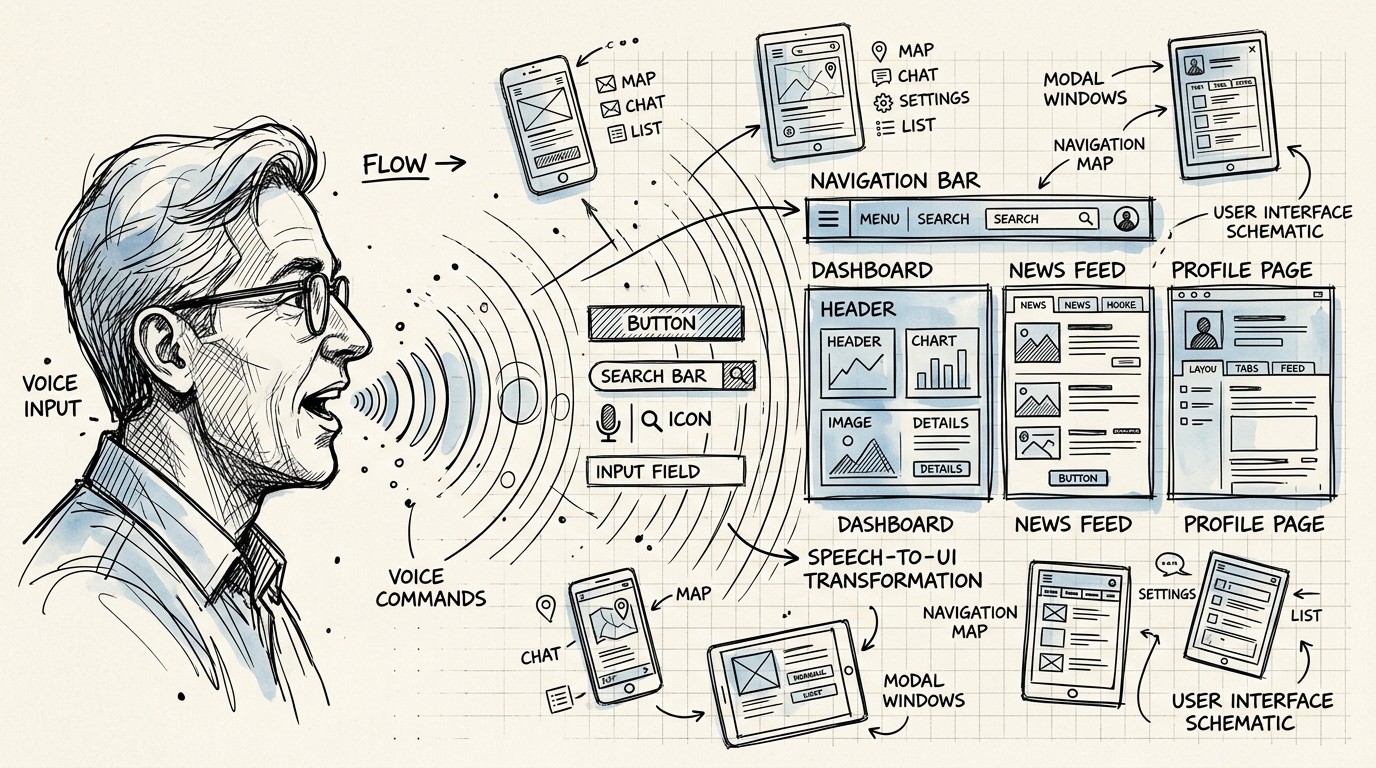
"Move the CTA button to the top, change the colors to warm tones, and add a testimonials card below"
Stitch executes it instantly on the same infinite canvas. No tool switching. No dragging. No hunting for components.
Beyond that, the AI can:
- Ask clarifying questions to understand your requirements
- Critique your design and suggest alternatives
- Remember project context throughout your session
Stitch vs v0 vs Bolt — What's the Difference?
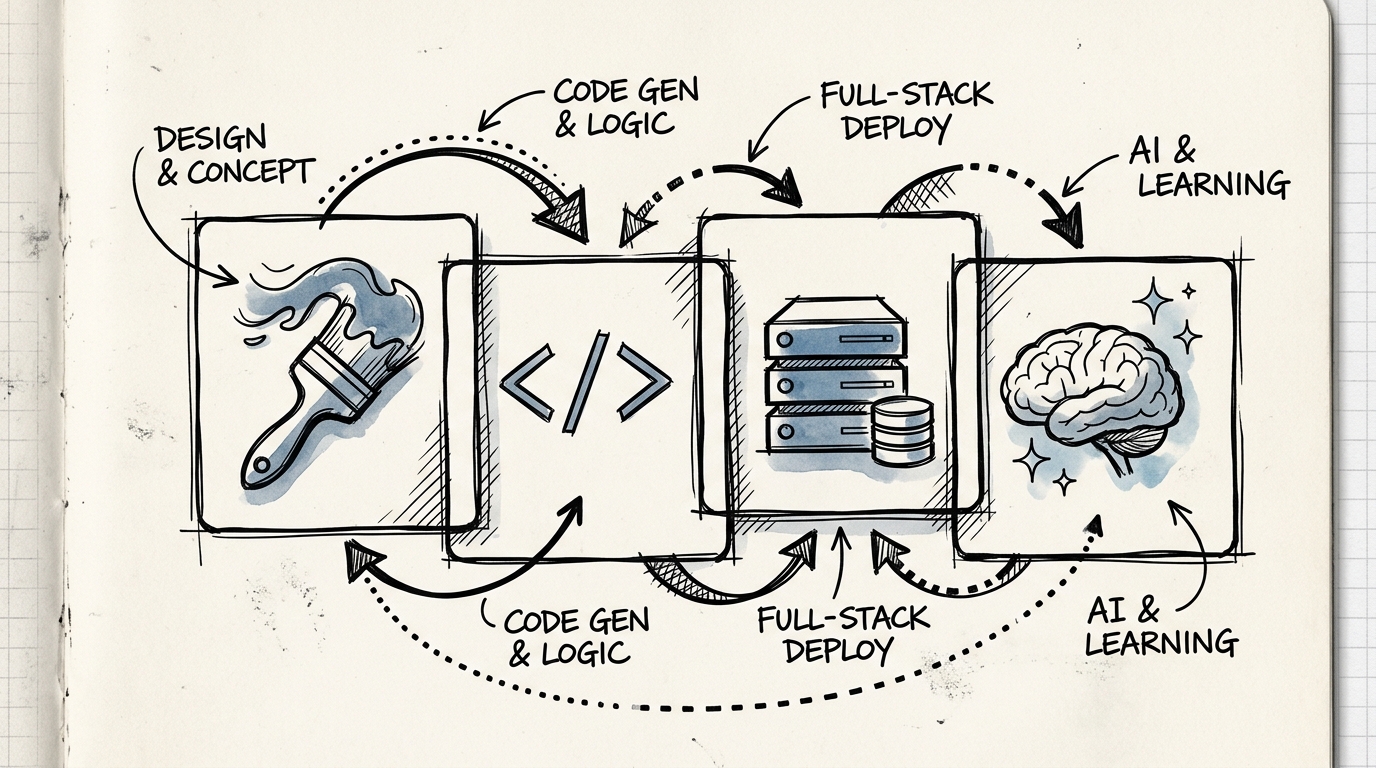
Many wonder how Stitch compares to v0 (Vercel) or Bolt.new:
| | Stitch (Google) | v0 (Vercel) | Bolt.new | |---|---|---|---| | Focus | Design-first, visual UI | Component-first, React code | Full-stack app builder | | Output | UI mockup + HTML/CSS | Production React components | Complete app (frontend + backend) | | Best for | Designers, PMs, ideation | Developers in Next.js ecosystem | Rapid full-stack prototyping | | Price | Free | $20/month | Token-based | | Unique | Vibe Design, Voice Canvas | Deploy-ready, shadcn/ui | In-browser full-stack |
Bottom line: Stitch is a design tool that happens to generate code, while v0 and Bolt are code generators that happen to have nice UI. Different audiences entirely.
Will UX Designers Lose Their Jobs?
Short answer: No. But the role must evolve.
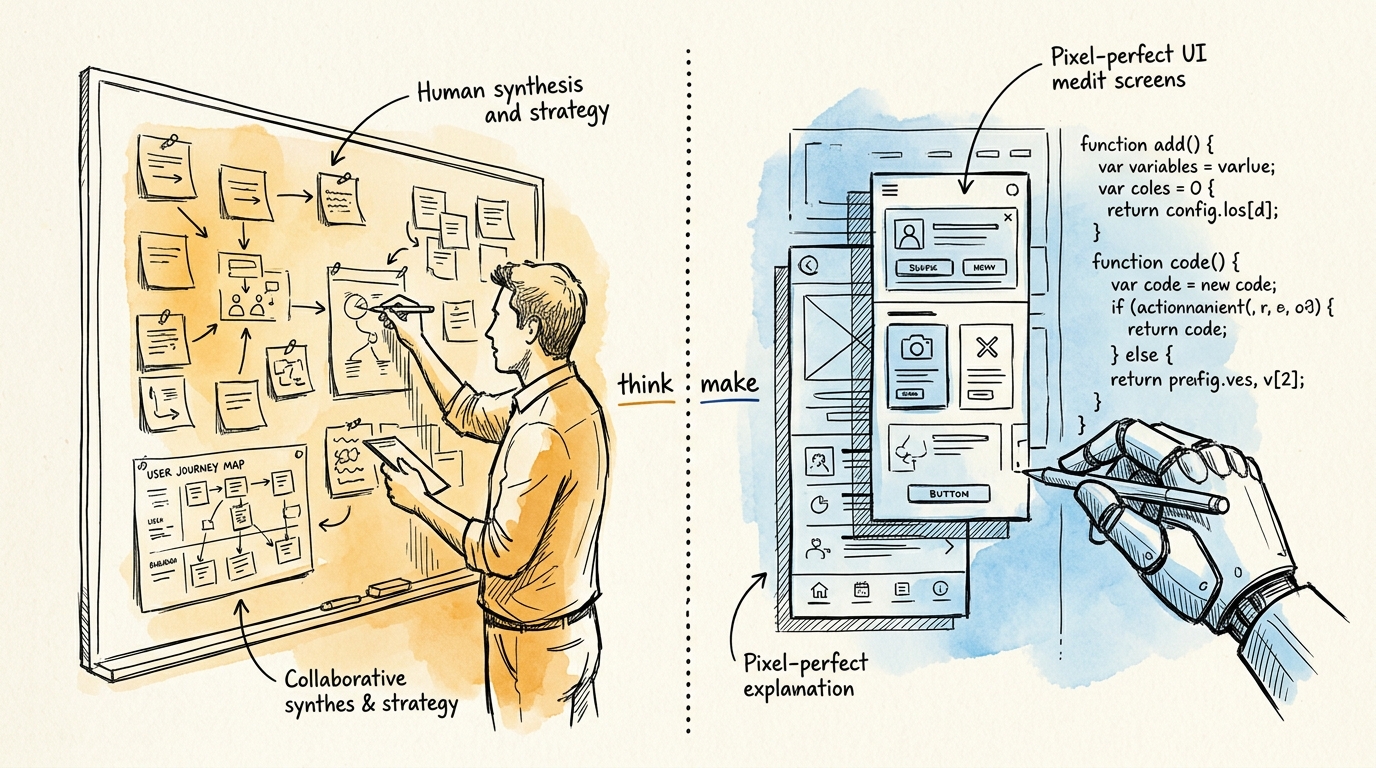
What Stitch does well:
- ✅ Creates beautiful UI layouts incredibly fast
- ✅ Generates harmonious colors, typography, and spacing
- ✅ Builds prototypes in minutes
- ✅ Exports production-ready code
What Stitch still can't do:
- ❌ Understand what users actually need (User Research)
- ❌ Design complex user flows for domain-specific business logic
- ❌ Decide which features should be cut (Product Strategy)
- ❌ Run usability tests and interpret results
- ❌ Understand cultural context (Thai UX ≠ American UX)
- ❌ Manage stakeholders and negotiate scope
- ❌ Build Design Systems that scale across large organizations
AI excels at "how" — but still needs humans for "what" and "why."
How UX Designers Should Adapt
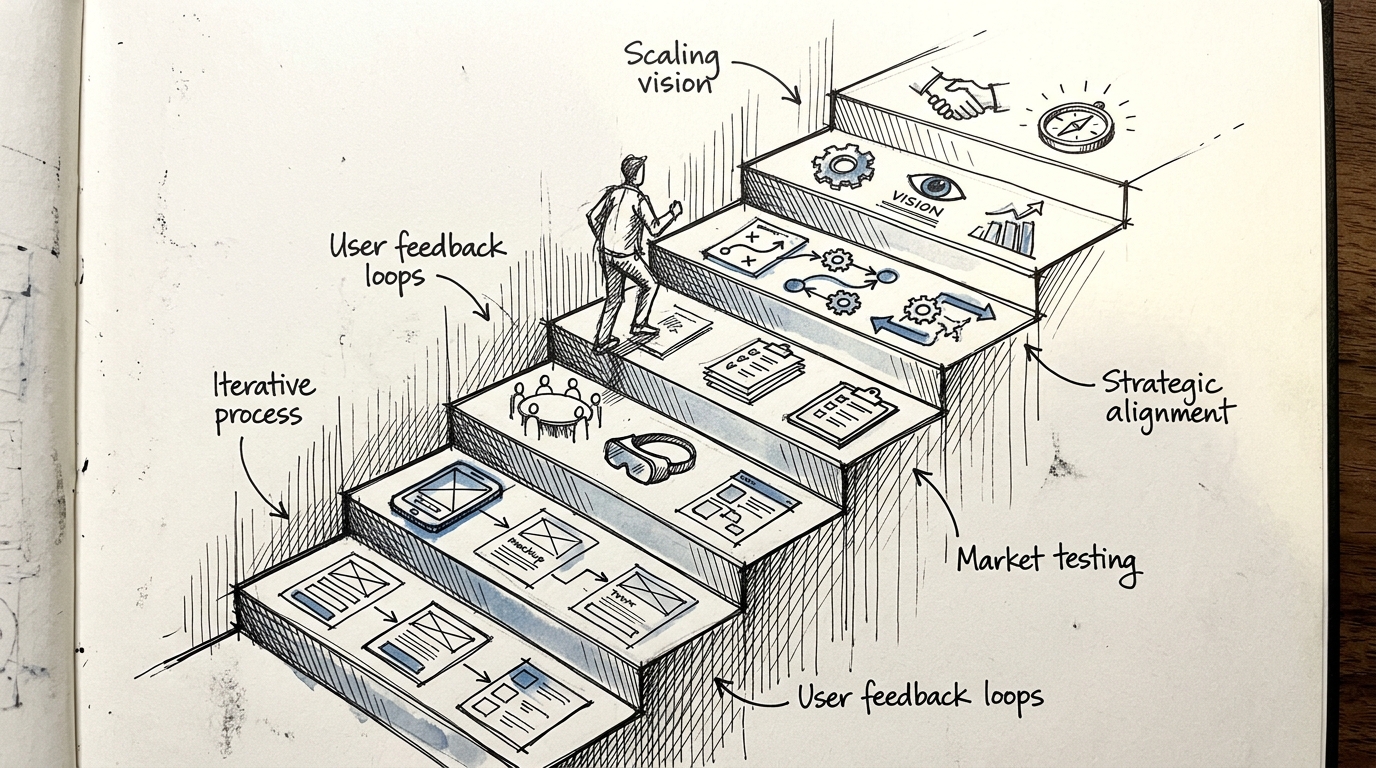
1. Move Up the Value Chain
Instead of spending 80% of your time "producing" (wireframes, mockups, prototypes), shift toward:
- UX Research — Understand users deeply, not through assumptions
- UX Strategy — Chart the product's direction
- Information Architecture — Structure complexity
- Design System governance — Maintain consistency across the organization
2. Learn to "Direct" AI Effectively
Prompt engineering for design tools is a new essential skill:
- Use Stitch to generate 10 concepts in 10 minutes
- Use v0 to generate components matching your design system
- Use AI to audit accessibility
3. Double Down on Soft Skills AI Can't Replicate
- Facilitation — Lead workshops, design sprints
- Stakeholder management — Negotiate, present, convince
- Mentoring — Coach teams, build design culture
- Cross-functional collaboration — Work effectively with PMs, engineers, business
4. Understand Code Better
When AI generates code, you need to:
- Read AI-generated code to review quality
- Understand technical constraints
- Communicate with developers in their language
My Take: Stitch Is the "Canva Moment" for UI Design
I see Stitch doing to UI Design what Canva did to Graphic Design — it will democratize UI creation, enabling anyone (PMs, developers, founders) to produce polished interfaces.
But just as Canva didn't eliminate graphic designers — it simply shifted where designers create value from "making pretty visuals" to "thinking strategy and branding."
UX Designers who thrive in this era won't be the best pixel-pushers. They'll be the ones who:
- Understand users most deeply
- Think strategy most clearly
- Direct AI most precisely
- And communicate with teams most effectively
Want to learn UX skills that AI can't replace? Check out my UX Knowledge Guide with 45 topics or book a free consultation.
Free UX Consultation
Fill in a few details and I'll reach out via LINE or Email